eFax Corporate®
Zoho Integration
Transform Unstructured Fax Workflows into Native Zoho Enterprise Data
Eliminate manual document handling, secure patient and client documentation, and drive operational efficiency by routing secure digital faxes directly into your Zoho Desk, Zoho CRM, and Zoho Mail workflows.
Maximize Your Zoho Investment by Eliminating Manual Document Intake
While Zoho serves as the core productivity engine for your organization, incoming medical records, intake forms, applications, and legal agreements often stall in isolated, legacy fax channels. The eFax Corporate® Zoho integration bridges this digital divide by connecting our enterprise-grade developer API directly to your Zoho ecosystem to deliver three critical outcomes:
Structured Data Ingestion
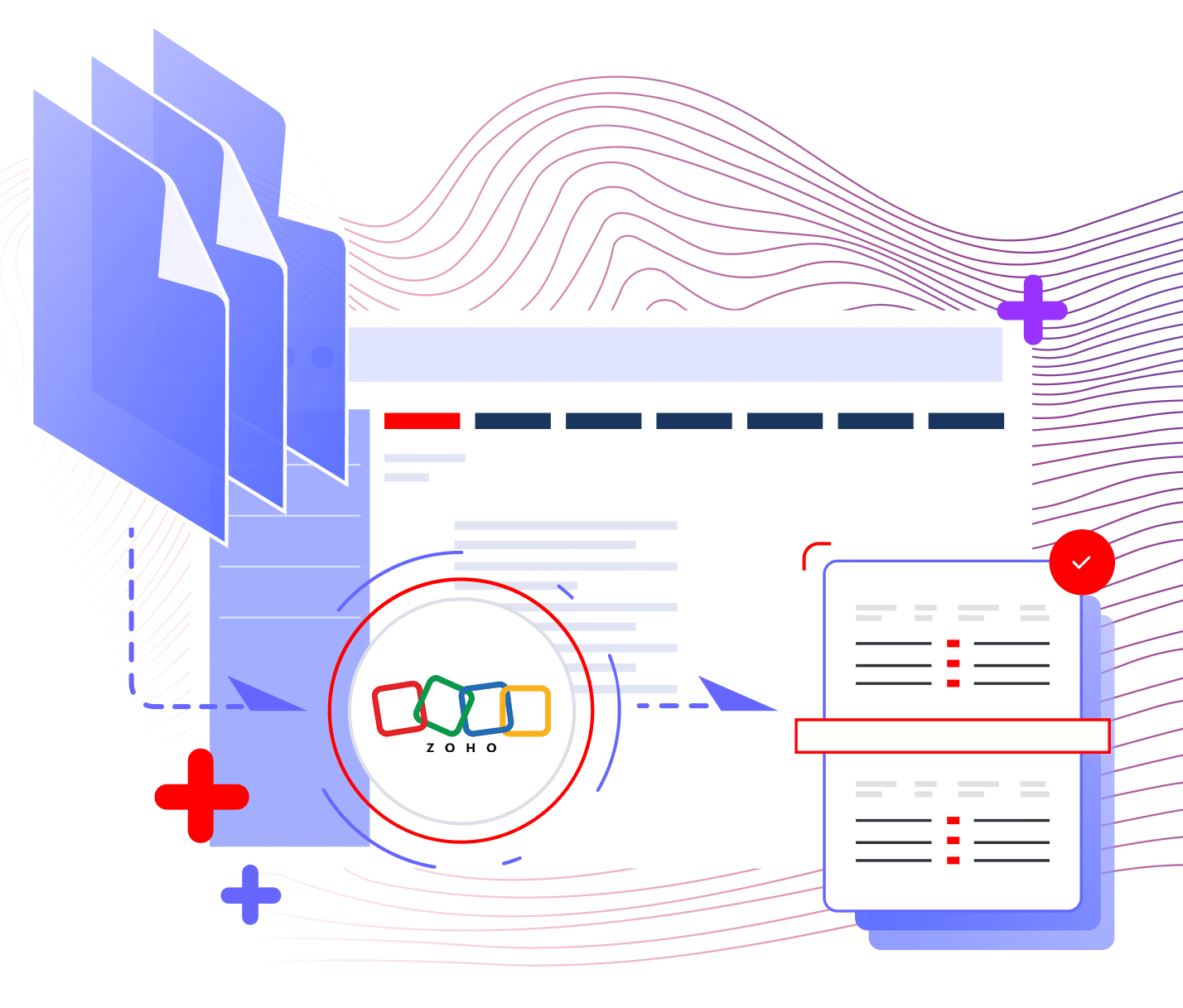
Receive, view, and route incoming payloads natively within Zoho Desk tickets and CRM objects.
Operational Efficiency
Completely eliminate physical paper bins, manual scanning, and duplicate data entry.
Unified CRM Workflows
Embed secure cloud faxing directly into daily automation suites, Zoho Mail, and ticket queues.
Core Zoho Platform Integration Capabilities
Unlike generic tools that require manual file downloads, our solution leverages Zoho’s native extension framework, webhooks, and automation suites across your entire application ecosystem.
| Integration Channel |
Technical Capability | Architectural Integration |
|---|---|---|
| Zoho Desk Extension |
Embeds a “Send Fax” button directly on ticket pages; auto-populates numbers, receiver names, and accounts. | Auto-logs complete transmission history as internal ticket comments for immediate audit tracking. |
| Zoho CRM & API |
Connects via eFax RESTful XML API, Deluge scripts, or custom webhooks triggered by deal status changes. | Triggers high-volume, automated outbound faxes instantly when records reach specific pipeline stages. |
| Zoho Mail Inbound |
Routes inbound digital faxes directly to designated Zoho support email addresses as PDF attachments. | Converts incoming faxes directly into new, auto-assigned tickets or email workflows. |
| Hierarchical Controls |
Manages AppID, Secret Key, and UserID credentials across groups, departments, and user profiles. | Ensures strict access control by enabling fax capabilities only for authorized user profiles. |
Collaborative Team Faxing and Queue Management
Eliminate the bottleneck of isolated individual fax lines. Our integration seamlessly scales incoming and outgoing workflows across entire teams simultaneously inside Zoho:
| Platform Action | Operational Impact | |
|---|---|---|
|
Step 1 Direct Queue Delivery |
Inbound faxes automatically bypass single user profiles and route directly into an optimized Zoho Desk Queue. | Zero Silos: Incoming documents are never locked behind one person’s account or missed. |
|
Step 2 Concurrent Triage |
Multiple team members monitor incoming faxes via a shared, real-time Zoho Desk or CRM dashboard. | No Manual Forwarding: The whole team sees new files instantly as they land in the cloud. |
|
Step 3 Instant Actioning |
An agent clicks to “Send Fax” directly from a ticket or record, attaching up to 10 files with auto-populated fields. | Zero Wasted Effort: One-click dispatch with real-time private comment delivery receipts. |

The Automated Inbound Fax Data Pipeline Architecture
To securely bridge the gap between incoming raw fax data and your Zoho environment, our integration executes a precise, automated multi-step sequence:
A fax hits the secure eFax Corporate® infrastructure, immediately triggering a push notification with metadata logging (CSID, ANI, timestamp).
Incoming faxes push directly to specified department email channels or API endpoints, automatically instantiating a new support ticket or CRM record with the PDF safely attached.
The integration automatically parses payload data, mapping the sender’s fax number, contact name, and account ID straight into corresponding Zoho fields.
Once sent or received, eFax automatically appends a private comment to the Zoho ticket, creating an immutable timestamped log for compliance and operational tracking.
Advancing Enterprise Data Liquidity Across Zoho Apps
True interoperability means breaking down information silos. When external clinics, clients, or financial institutions send unstructured faxes, the eFax Corporate® integration acts as the universal interpreter. By automatically transforming raw faxes into structured Zoho records linked to standard Contacts, Accounts, or Tickets, we ensure seamless data liquidity across your entire enterprise cloud.
Enterprise Security Standards and
Document Compliance
Our integration architecture satisfies the rigid information security protocols demanded by corporate compliance officers, HIPAA auditors, and enterprise IT leads:
HIPAA + BBA
Consensus Cloud Solutions signs a formal Business Associate Agreement (BAA) to guarantee absolute data privacy and legal compliance for protected records.

Hierarchical Access Security
Uses group-level AppIDs and Secret Keys alongside user-level UserIDs to maintain strict administrative control across departments.

Domain-Level Security
Supports strict domain-sending restrictions to guarantee that only authorized corporate email addresses can trigger outbound faxes.

Military Grade Encryption
Protected via robust AES 256-bit encryption at rest and secure TLS protocols in transit during data transmission.

Enterprise Workflow Automation and Operational Benefits
Integrating eFax Corporate® with Zoho allows your organization to treat incoming faxes as structured data, unlocking advanced automation that drives efficiency across your operations:
Eliminate manual paper sorting. Automatically convert incoming client faxes into actionable Zoho Desk tickets assigned to specific support queues.
Send documents directly from active tickets with auto-populated recipient data, reducing handling time from minutes to seconds.
Track every transmission status via real-time private ticket comments and comprehensive eFax usage reports for total legal compliance.