eFax® Print-to-Fax : The Smart Fax App and Software for Your Computer
Send faxes from your PC with eFax Print-to-Fax fax software. Discover the benefits and download the free desktop app to start faxing today.
eFax Print-to-Fax: The Fax Software that Makes Online Faxing Simple
The traditional faxing method was anything but efficient, between printing, filling out cover sheets, dialing, paper jams, busy signals, maintenance, and more. eFax lets you send faxes from anywhere you have an internet connection, without printing your documents or being tied to a bulky fax machine. And the Print to Fax function is an even easier way to send online faxes, right from within the document you want to send.
Download eFax Print-to-Fax for free. With the fax app for your computer, you can send faxes from your PC without the need to print or scan your documents.

What is Print to Fax?
The eFax Print-to-Fax desktop application streamlines your workflow by allowing you to send secure faxes directly from your computer. By eliminating the need for physical hardware, this intuitive software enables you to transmit documents online in just a few clicks, making digital faxing more efficient than ever.
Protected Faxing
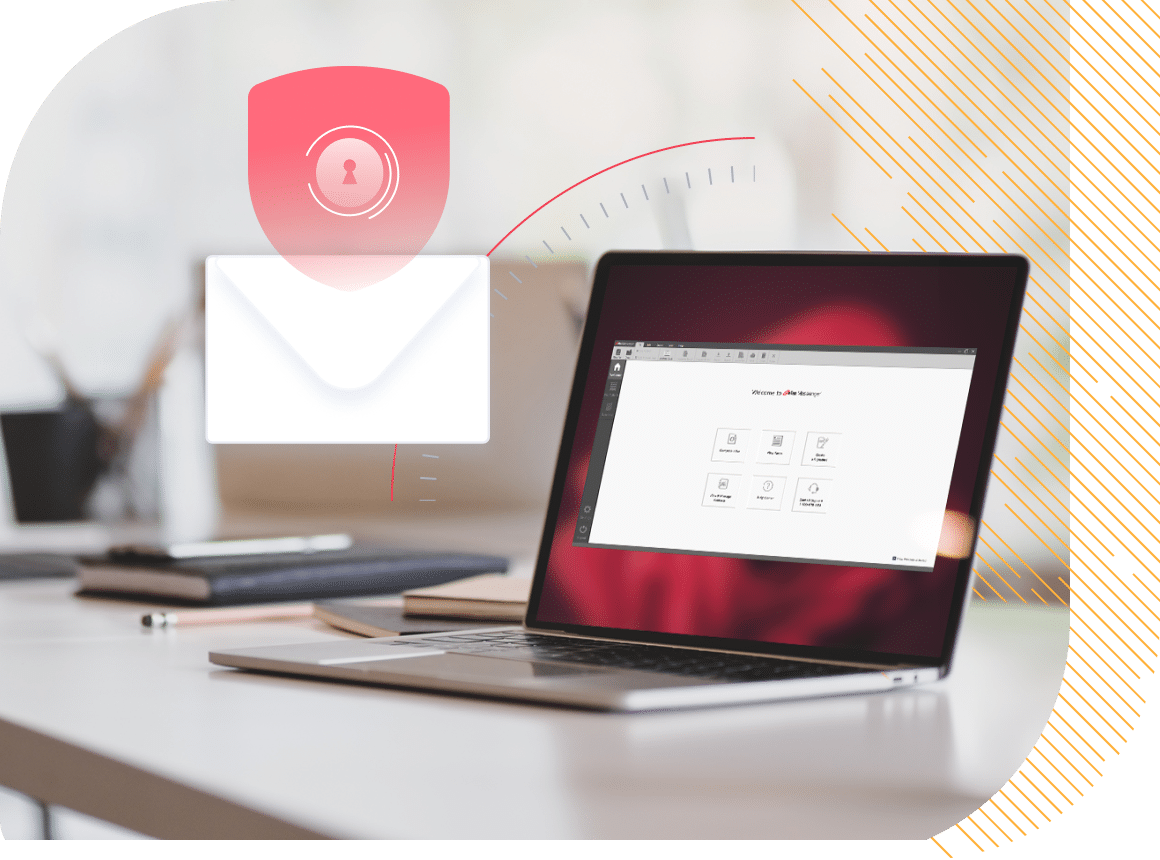
With the rise in cybercrime, sharing confidential information online can put sensitive information at risk and out of compliance with regulatory standards. But not with eFax.
eFax Print-to-Fax is secure faxing, thanks to advanced AES 256-bit and TLS encryption. You can easily send legal documents, prescriptions, NDAs and other sensitive documents – all while complying with industry regulations like HIPAA, SOX, and GLBA.
eFax also stores all the faxes in the cloud for easy access and organization. Even once in storage, eFax ensures that the documents remain encrypted for ultimate protection.
Save Time — and Money
Faxing from anywhere is easy with this fax app for computer—no need to wait until you’re back in the office to use a physical fax machine. You can reduce turnaround times from days or weeks to just minutes, saving you and your clients time. And in fast-paced industries like healthcare, real estate and finance, time is money.
Removing physical faxing machines also reduces costs. Not only are you saving on the cost of buying and maintaining equipment, but you no longer need dedicated IT resources to manage an in-house faxing system. Electronic faxing also means a 100% paperless system, which lowers paper and toner costs while reducing your ecological footprint.
The Easiest Way to Send Faxes Using a Desktop Fax App
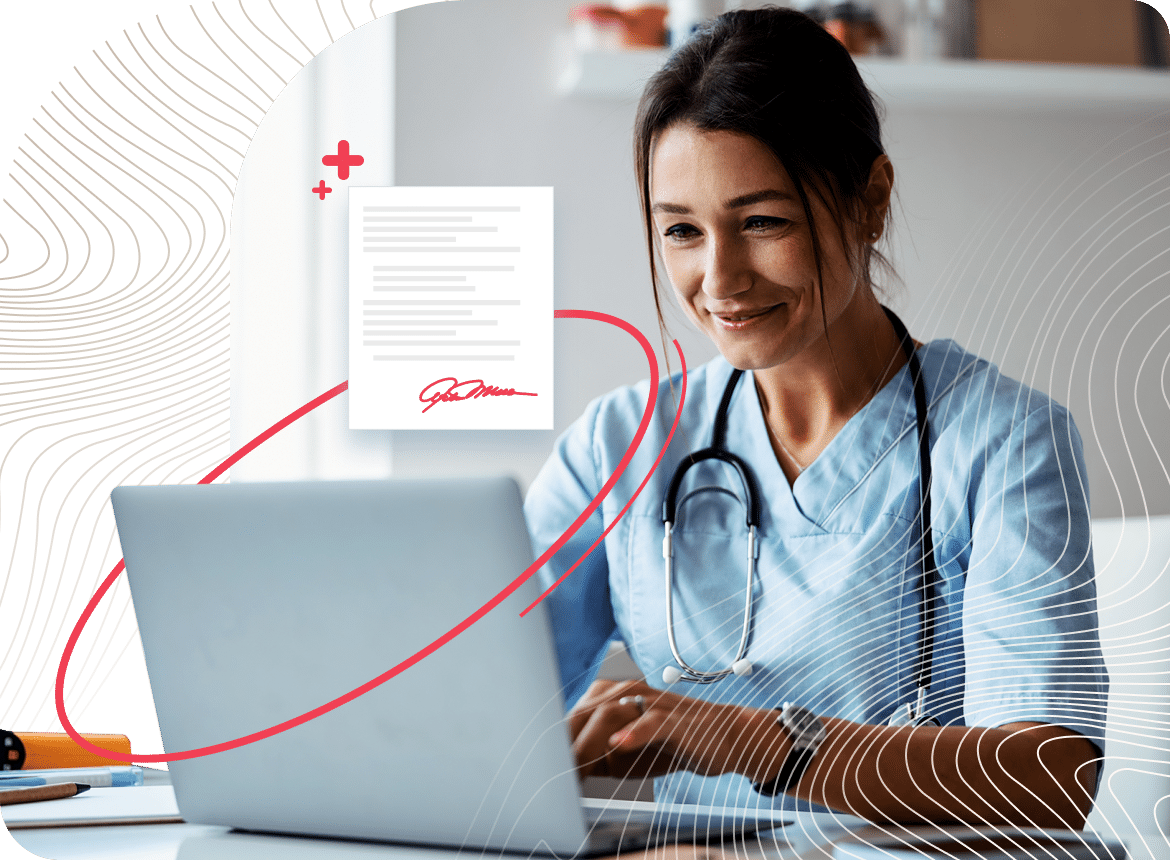
Relying on a physical fax machine means pausing workflows until you’re in the office. Even then, the machine may run out of toner or experience downtime, further delaying turnaround times. And that’s just for one client. Imagine how slow workflows can become when trying to physically fax documents for multiple accounts — or maybe you don’t need to imagine it because it’s already a reality for your business.
There’s a better solution: eFax Print-to-Fax. This fax app for computers comes free with an eFax account and enables your team to fax from anywhere — in the office, at home, or even on the go.
Ready to simplify your file-sharing workflows? Explore some more benefits that eFax Print-to-Fax offers to businesses of all sizes and industries.
1. No Fax Machine or Phone Line Needed
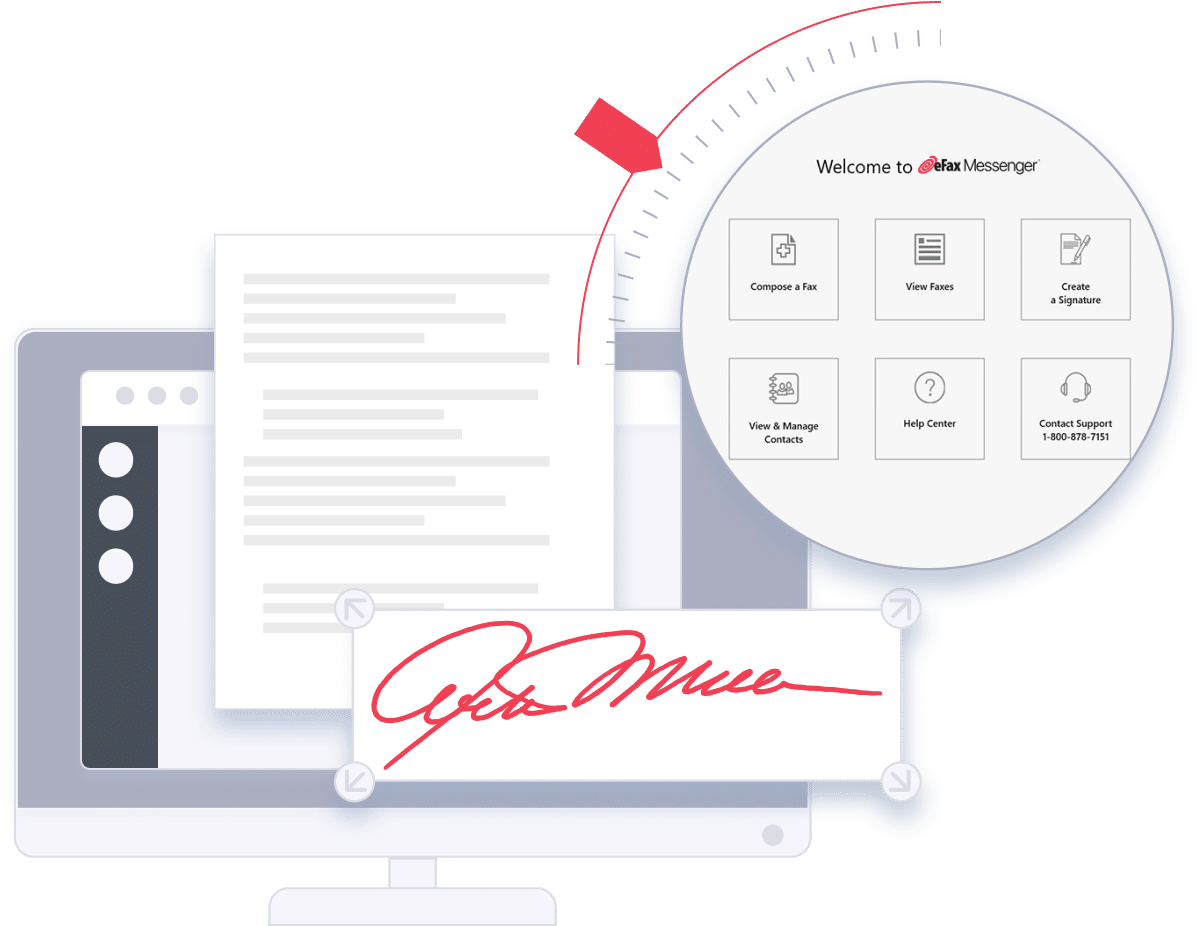
With the eFax Print-to-Fax app, faxing no longer depends on proximity to a fax machine with a dedicated phone line. Send faxes right from your desktop computer or laptop, wherever you are.
2. Get Setup in Minutes
Downloading the eFax Print-to-Fax app takes less than a minute and requires no technical expertise. All you need is an eFax account, and the eFax Print-to-Fax app is included for free to help you start faxing immediately.
3. Streamline Workflows
eFax Print-to-Fax lets you fax anywhere, anytime, which can help significantly reduce turnaround times. A streamlined workflow means happier customers and cost savings for your company.
Download and Install eFax Print-to-Fax in Seconds
Free with an eFax account, it typically takes less than a minute to download and install eFax Print-to-Fax on your desktop. Once the software is installed, you can easily send faxes from your PC.
Don’t have an eFax account yet? Sign up for eFax Personal or eFax Business to access eFax Print-to-Fax at no extra cost.
How to Print to Fax
Once the eFax Print-to-Fax is installed, faxing is a snap!
Here’s how to do it.
-

Open the document you want to fax in any program that has a “Print” button.
-
Click “Print.”
-
In the Print Dialogue Box, select “eFax Print-to-Fax,” and click “Print” again.
-
This will automatically open the eFax Print-to-Fax application and attach the document to your fax.
-
If this is your very first time opening eFax Print-to-Fax, you’ll have to sign in to your eFax account. But after the first time, you’ll remain logged into your eFax Print-to-Fax account.

The Benefits of eFax Print-to-Fax
Many businesses still rely on fax communication to get things done, but not everyone wants the hassle of maintaining a physical fax machine, dealing with a dedicated phone line, or handling routine upkeep. Fortunately, integrated faxing, through software like eFax Print-to-Fax, provides a smarter alternative. With eFax Print-to-Fax, you can send faxes entirely online—no hardware required. This intuitive, user-friendly software is a great option for anyone, including those who are non-tech-savvy.
Once downloaded, eFax Print-to-Fax allows you to start faxing immediately from your computer, helping eliminate paper waste and reduce office supply costs. eFax Print-to-Fax fax software for Windows 10 lets you send faxes from anywhere, saving both time and money.
-
Manage fax communications from anywhere.
-
Send faxes from your desktop.
-
No more dedicated phone line.
-
No fax machine service expenses.
-
Say goodbye to printing and scanning.

FAQs Around Computer Fax Software
eFax Print-to-Fax is a desktop application that streamlines the faxing process, allowing you to send faxes online. It simplifies faxing by eliminating the need for physical fax machines, enabling you to send faxes directly from your laptop or desktop with just a few clicks.
Yes, with eFax Print-to-Fax, you can compose and send faxes directly from your desktop. The intuitive eFax editor allows you to create a new fax, enter recipient details, type your message, and even include a cover letter for a professional touch.
eFax Print-to-Fax supports over 200 different file types, including Word documents, PDFs, and images. You can attach up to 10 documents per fax, making it versatile for various faxing needs.