How to Fax Online
How to Fax Online with eFax
Sending and receiving online faxes with eFax is very convenient. There are many ways you can do it. We’ve rounded up the most common methods you can use for online faxing below.
Sending Faxes Online
Sign Up For eFax
Once you begin using your eFax service, you just need to compose your new email message.
Upload Your Documents
Add any attachments you would like to add the same way you do with an email. They can be MS Office files, JPEGs, PDFs or other file formats. eFax will convert your files into fax pages for you.
Add a Cover Page
Type a cover page into your email. Or, if you choose, upload a free template directly from eFax.
Hit Send
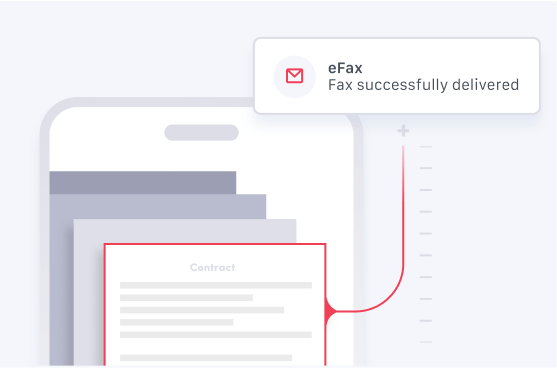
Your fax is being delivered. You will get a notification by email when your fax has been received.
Receiving Faxes Online
Sign Up For eFax
First, activate your eFax account. After this, you can receive faxes through your ported number or your new eFax number.
Log In to eFax Account
Once your eFax service is active, use your eFax account to view your faxes whenever and wherever you wish.
Find and Click on Your Fax
In your eFax account, you can see all faxes in your inbox. Simply click on any fax you wish to view, and then forward or download it.
Sending a Fax by Email
Sign Up for eFax
Once you start using your eFax service, your next step is composing a new email message. You can choose to use any email service, including Gmail, Outlook or Yahoo.
Upload Your Documents
Add your attachments, just like you would if you were using email. Your attachments can be JPEGs, PDFs, MS Office files or any of nearly 200 other file formats. eFax then converts your attachments into fax pages.
Add a Cover Page
Simply type a cover page into the body of your email. Or you can upload one of eFax’s free templates.
Hit Send
Your fax is now on it’s way. You’ll receive a notification through email when it gets delivered.
Receiving Fax by Email
Sign Up for eFax
First, sign in to your account. Now, you can receive faxes through your ported or new fax number. All incoming faxes are automatically delivered to the email address linked to your account. This means you can save and open faxes directly from your inbox.
You can add a maximum of five email addresses for each eFax account. This ensures your entire team gets your important faxes.
Open Your Email
Log in to your Outlook, Gmail, Yahoo or any other email account. Your faxes will arrive securely at the email address you choose.
Click on the Attachment
Once you’ve opened your email from eFax, simply click on any email attachment to view your fax.
All faxes sent to your eFax number will arrive in your inbox as attachments to an email from eFax. They will come from the email address: [email protected]. The subject line of your email will be Fax Received From (Fax Number). Make sure to add this email address to your contact list to prevent your faxes from going into your Spam folder.
Note: If you delete an email by accident, don’t worry. Your eFax online account will save all incoming and sent faxes. So just log in and retrieve any faxes you need. With eFax, you have unlimited cloud storage as part of your membership.
Sending a Fax with Your Mobile App
Download the Free App
Get the eFax mobile app for free from Google Play or the App Store to fax your documents using your phone.
Create Your New Fax
First, open the app. Then, click Send Faxes.
Select Your Recipient
Grab the fax number from your contact list or get it directly from your phone.
Make a Cover page
Select whether you want to add a cover page. Add the text if necessary.
Enable Mobile and Cloud File Attachments
You can attach files from your phone or from cloud apps like Google Drive or Dropbox. You can also take a picture of any document to send or select Camera Roll/Gallery for adding images to the fax that are stored on the device.
Another way you can send files is to click on Documents/File Browser. This option is useful if you want to add other file types to your fax.
Sign
eFax will send you an email confirmation when your fax has been delivered successfully.
Hit Send
eFax will send you an email confirmation when your fax has been delivered successfully.
Receiving Faxes with Your Mobile App
Download the Free App
Get the eFax mobile app for free from Google Play or the App Store to start faxing with your phone.
Get the eFax mobile app for free from Google Play or the App Store to start faxing with your phone.
Open the App
Open the app on your iPad, phone or any device. From there, just go to your inbox to access your received faxes.
Search Faxes
You can easily access your faxes when you need them using the app. Just enter some keywords to search through your stored faxes on your device.
Sending a Fax Using eFax Print-to-Fax
Sign Up For eFax
Start using your eFax service, and fax from your PC right away. You can even fax using Google products.
Install and Open eFa Print-to-Fax
Install the eFax Print-to-Fax software for free, and open the app on your computer.
Compose Your Fax
Click Send a Fax, and enter the fax number of your recipient. Or import the fax number from your contacts. You can also add an optional message.
Upload Your Attachments
You can attach a maximum of 10 documents to your fax, such as JPEGs, PDFs or nearly 200 other file types.
Hit Send
Your fax is on its way. You will receive a notification through email when it reaches your recipient.
Effortless Faxing Across Devices With eFax
eFax leads the pack when it comes to the best online fax services in the world. With its highly functional and well-designed interface, eFax provides exceptional value. eFax can help you streamline your workflow by allowing you to receive and send faxes through email, PC or your mobile device.
This online fax service even offers helpful tools so you can create and apply digital signatures through your different devices. Other features include:

Toll Free Fax Numbers
Learn More
Mobile Fax App
Learn More
Local Phone Numbers
Learn More
Online Storage
Learn More
Cloud Storage
Learn MoreThe eFax Difference
eFax offers a range of scalable, customized solutions for private users and businesses allowing them to send and receive faxes online from multiple devices.
Do You Need a Special Fax Number with eFax?
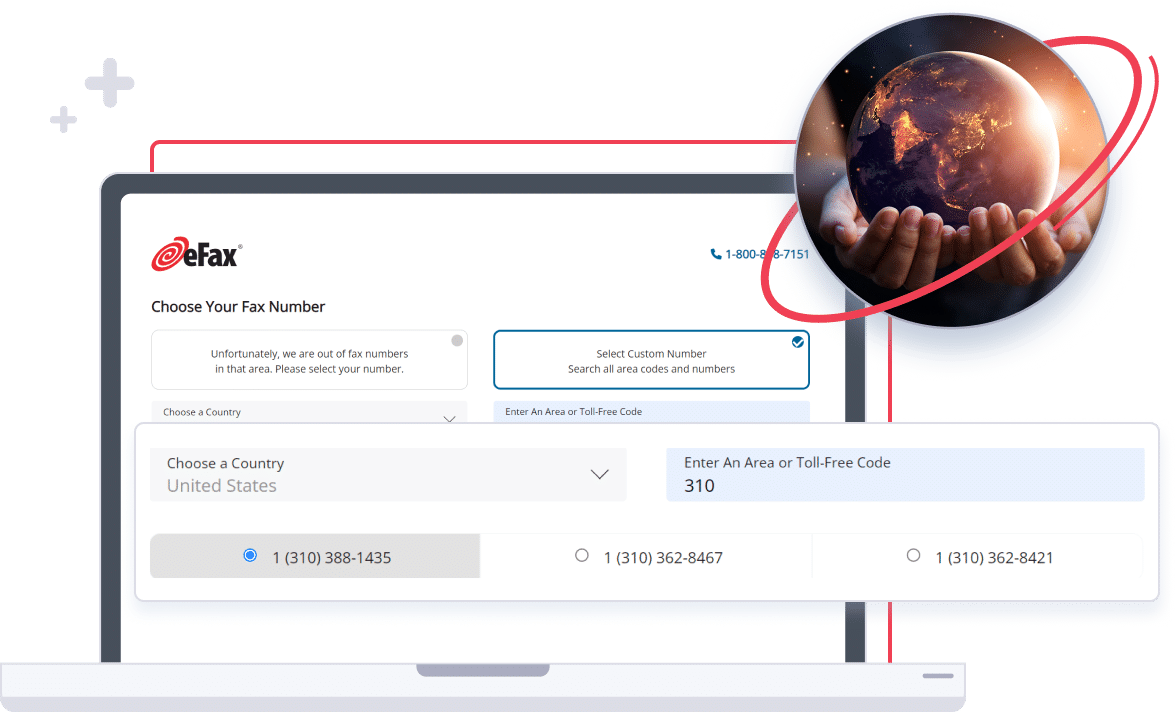
When you create an eFax account, you’ll also be given a free dedicated fax number linked to your service. Choose a toll-free fax number to create a national image or choose a local fax number to establish a local presence in your community.
Getting Started
Getting started with eFax is extremely straightforward. You don’t need to buy any special equipment.
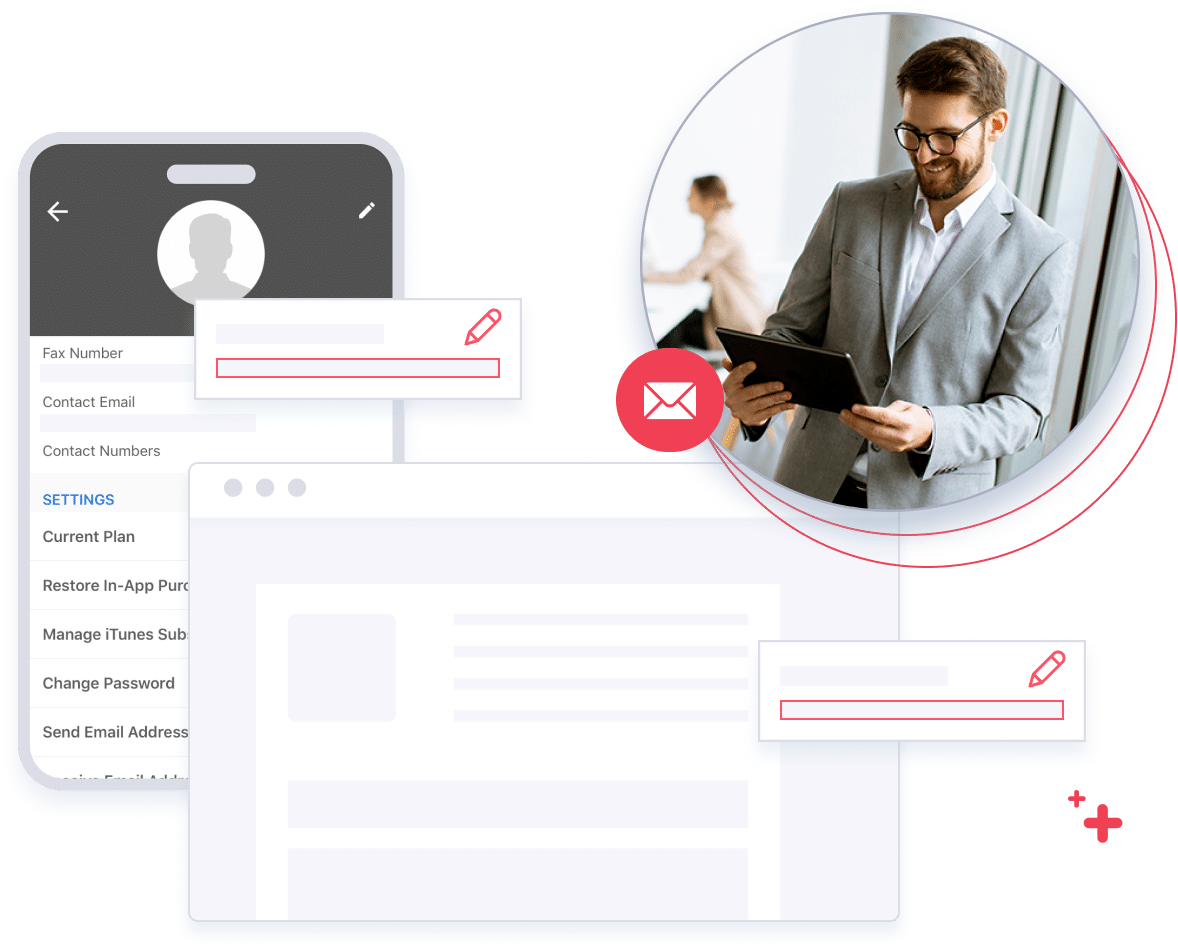
eFax allows you to customize different elements of your account without hassle. For instance, you can edit profile details like your phone numbers, PINs, contact email and name. You can also change your time and date preferences, default language, default home page and email addresses that you use to send and receive faxes. You can even edit the level of security that applies to your faxes.
Keep in mind that the faxes you send will be delivered within a couple of minutes. However, it can be longer when the receiver’s fax is busy. In such cases, eFax will send it twice more, for a total of three transmissions if the first attempt fails.
Sending Faxes Online Has Never Been This Easy
Fax volumes are growing not only in the US but also in other parts of the world. The process of sending fax online is fairly stress-free, but this could even be easier when you use the right service. Packed with tons of amazing features and with great reviews to boot, eFax can be the best solution for your business or personal needs.
Related FAQs on How To Fax Online
No, eFax can be integrated with your existing equipment. You can access your eFax account from any device with an internet connection. Our iOS and Android apps make it even easier to fax on the go without having to upgrade your equipment.
Absolutely. eFax is a legitimate and reputable service that has been providing secure and efficient online faxing solutions for years. Your documents are encrypted for privacy, and eFax complies with industry standards for data security.
Traditional fax systems require expensive and difficult-to-maintain equipment. When you want to send or receive a fax, you’ll need to go where your fax machine is and ensure it’s stocked with paper, ink, and toner. But with eFax, you can send, edit, and receive faxes from anywhere with an internet connection. Not only do you not need a fax machine, but you won’t even need a printer because you can edit and sign your faxes digitally.
Sending a fax online with eFax is straightforward. Log in to your account, enter the recipient’s fax number, attach your document and click “Send Fax”. eFax converts your file into a fax-compatible format and ensures timely delivery to the recipient, which streamlines the process of digital document transmission.
Absolutely. Once you know how to fax online with eFax, you can send faxes online from any device, whether it’s your computer or mobile phone. Access your eFax account via the web browser or mobile app to securely send faxes anytime, anywhere. This flexibility allows you to manage fax communications seamlessly and enhances your productivity and connectivity.