
Conveniently Send & Receive Faxes Online for Free
Free Fax Online – Send & Receive Faxes for Free
*Send up to 200 pages free for 7 days
No fax machine? No problem. Send a free fax online today with the eFax free trial.
Corporate
For large organizations
Speak with an expert to customize a cloud faxing solution to meet your business needs
Call (833) 903-4283How Free Fax Works with the eFax® Free Trial
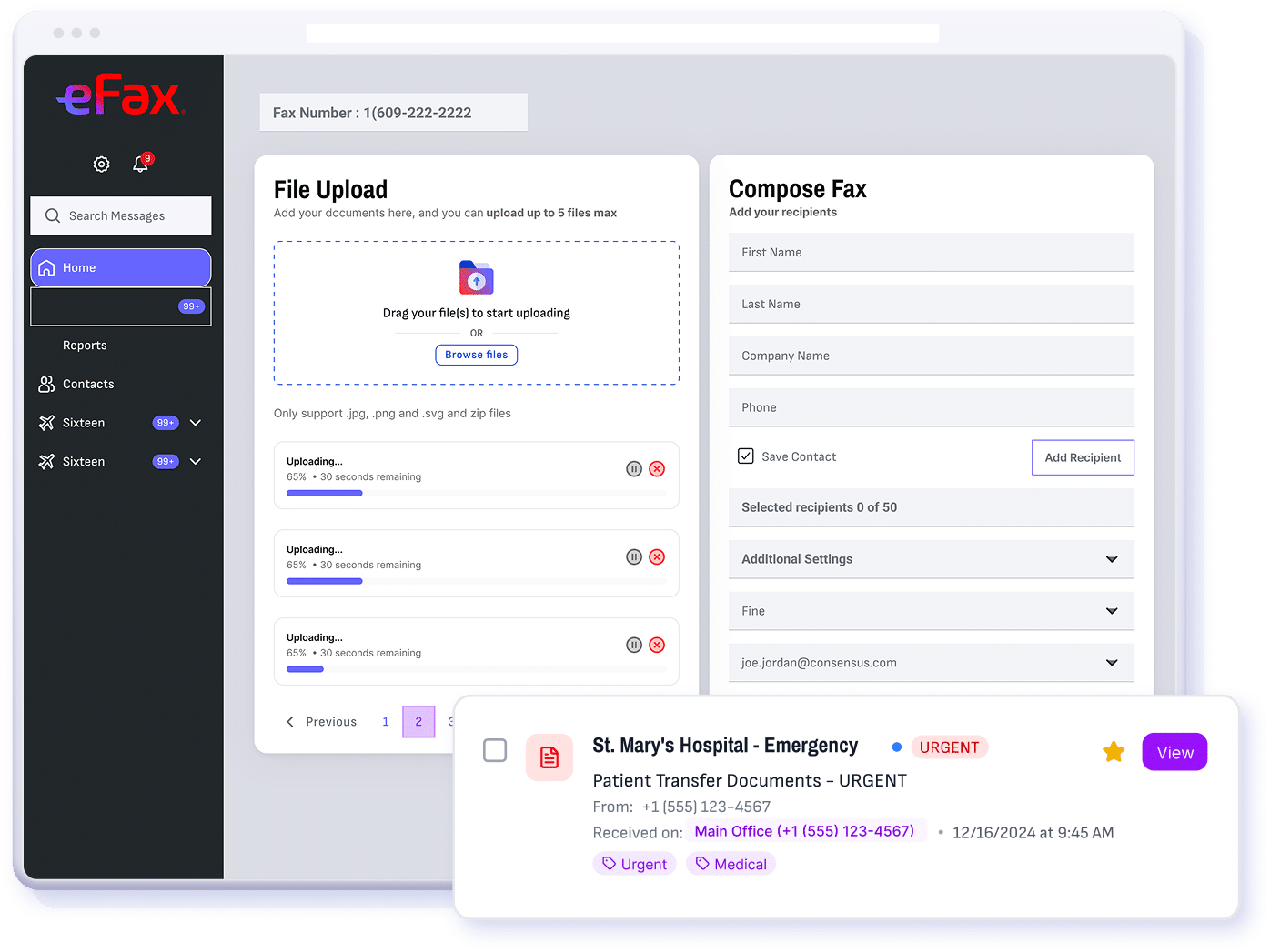
- Click “Start Faxing For Free”.
- Choose a local or toll-free fax number — or port your existing one.
- Enter the recipient’s fax number.
- Upload your document.
- Hit Send. Send and receive up to 200 fax pages during your free trial.
Fax easily via email, your computer, or the eFax mobile app.
*Send up to 200 pages free for 7 days
How to Send a Free Fax Online
The eFax Free Fax Trial lets you send faxes directly from your computer or any internet connected device — anytime, anywhere. Start by signing up for your 7-day eFax Free Fax Trial, then choose your preferred method of faxing: by email, from your computer, or through the eFax mobile app:
Send Faxes for Free via Email
Create, sign, and send faxes straight from your email — no printing or scanning required.
Sign up for the eFax Free Trial, get your unique fax number, and send faxes using any email provider by attaching your document and sending it to your recipient’s fax number.

Send Faxes for Free from Your Computer:
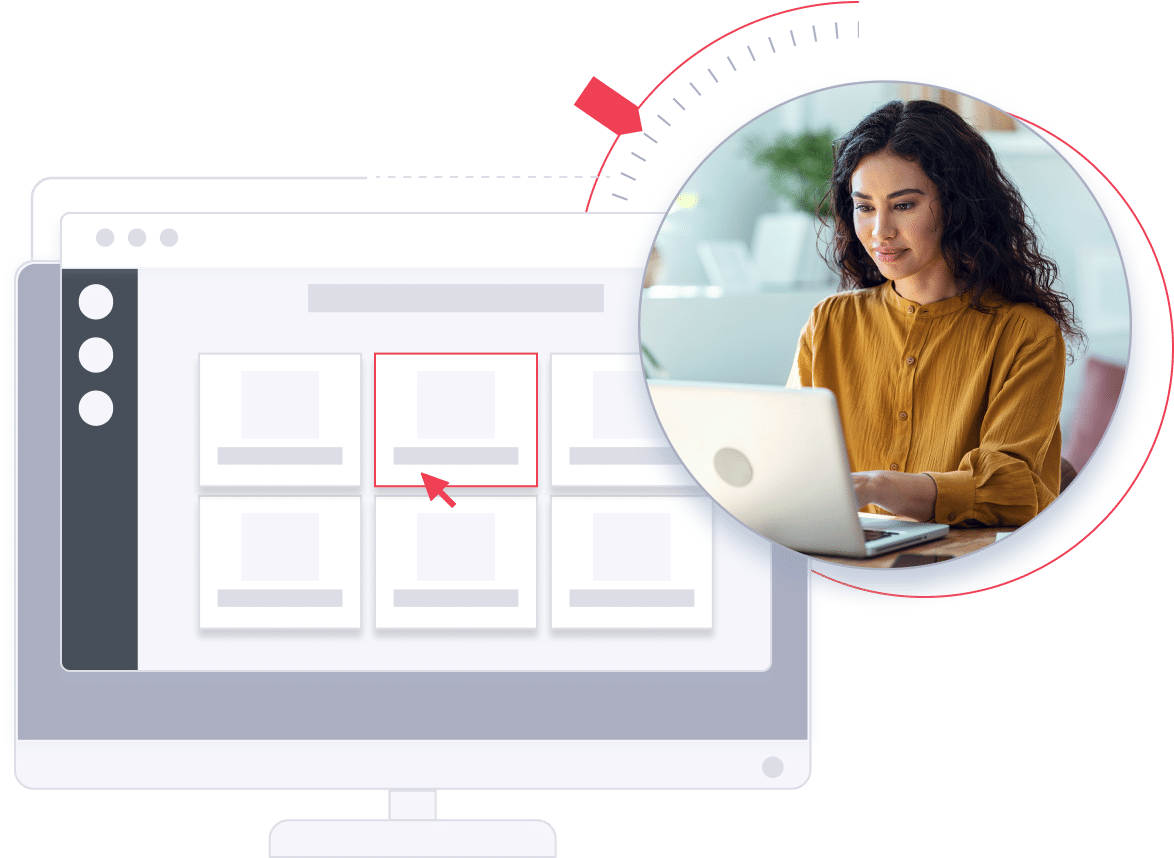
Log in to the eFax Portal online, upload your document, add a cover page, and send your fax instantly.
No hardware or software needed — just your eFax account.
PC users can also download eFax Print-to-Fax, a free desktop app that makes it easy to create and send faxes directly from your computer.
Send Faxes for Free from the eFax Mobile App:
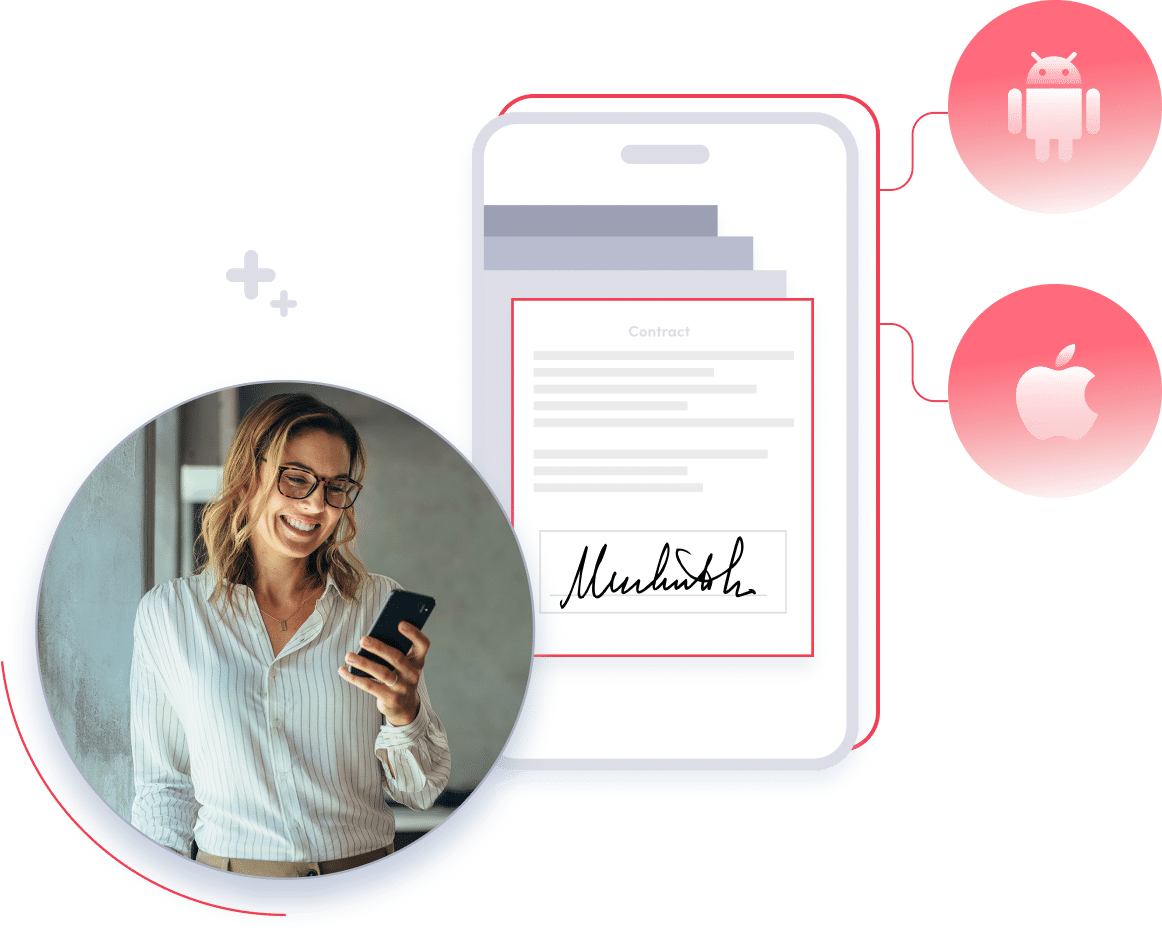
After signing up for the eFax Free Trial, download the free eFax mobile app for Android or eFax iPhone App – coming soon!.
Annotate, sign, and send documents directly from your smartphone or tablet. You can even access files saved on your device or in cloud storage services like Dropbox or Google Drive.
Ready to get started?
You don’t need any hardware, and the entire process is much safer than physically faxing documents. With the digitization of faxing, you no longer need to worry about someone picking up a forgotten or abandoned document with sensitive information. Plus, eFax will save a copy of every file you send.
*Send 200 pages free for 7 days
Why eFax® is the go-to brand for millions of users
Just free faxing.
eFax® enables you to receive or send a free fax online using your computer, smartphone, or tablet. All you need is an internet connection, and you can fax any file or document for free—whether you choose to fax from email, online, or using the eFax® mobile app.
We offer an extremely reliable network with nearly 100% uptime. Sign up today and see for yourself why eFax® has been a premier free online fax service provider for 30 years.
How to send free fax from different devices?
Sending a fax doesn’t require a bulky fax machine or phone lines. With eFax®, you can send and receive free faxes online effortlessly from various devices.
Here’s how you can do it:

The mobile fax app from eFax makes it simple and convenient to send and receive faxes from your smartphone — no outdated, costly fax machine required.
Learn More
The eFax web portal empowers you to manage and track your documents from any device with an internet connection.
Login
eFax Print-to-Fax is an impressive desktop application that enhances and streamlines the faxing process from your computer.
Learn More
Use eFax to send and receive faxes from email using your mobile, tablet, or computer with any email provider. Fax via email with ease.
Learn MoreSend & Receive Free Faxes Online Now
Your team can use the many features of eFax from any location, on any device and without special hardware to send and receive free faxes. You also get online and over-the-phone assistance to ensure your team uses eFax to its full potential.
Start using eFax right now for effortless and quick on-the-go online faxing. Sign up for your free trial now.
*Send 200 pages free for 7 days
How to Receive a Fax Online for Free
Do you need to receive faxes for free from clients while working remotely? Are you worried about protecting the sensitive fax data? eFax can help.
eFax lets you receive fax pages online for free without a traditional fax machine — all you need is an eFax account and number. The best part is that the sender can send you faxes from either their own eFax account or a regular fax machine.
When someone sends a fax to your eFax number, it arrives in your inbox as a PDF or TIFF file. Just open the email and click on the attachment to see the fax.
Here’s a step-by-step process to start receiving faxes online. Or you can get started right away by signing up for a free trial.
1. Get an eFax Number
Sign up for the eFax® Free Trial to get your online fax number This number becomes your fax line for seamless document transmission.
2. Set Up Email Notifications
Configure your email notifications to alert you when a new fax arrives in your inbox. Stay up-to-date and make your workflows more productive.
3. Check Your eFax® Inbox
Check your eFax® inbox like you would emails. You can view all incoming faxes in your dashboard where you can manage fax communications with ease.
4. Open and View Your Fax
When a new fax arrives, simply open and view it in your eFax® inbox. You can store, view, sign and send faxes in a digital format in your dashboard.
5. Save, Forward or Print Your Fax
Do what you need with your received fax. You can save it for future reference, forward or print it if necessary. Experience simplified fax management.
From Free Faxing to Enterprise-Grade Performance with eFax®
With the eFax® free fax trial, you can experience everything an eFax® account offers, including the ability to receive and send free fax online.
You’ll also get access to powerful features, including:

Fax Cloud Storage
 An eFax account comes with a cloud storage feature. During your free trial, we’ll automatically save a copy of your files in your free cloud storage. It doesn’t matter whether you send or receive faxes. Either way, we save the file and all relevant data.
Local and Toll-Free Numbers
eFax lets you choose what type of number you want to use to send and receive faxes.
- A local fax number lets you build credibility with consumers by establishing your presence in the local community.
- A toll-free number shows customers and clients that you are an established company that operates nationally.

Inbound/Outbound Page
You get all the regular eFax features with your free trial. That means you can send, receive and even electronically sign your faxes. During your eFax free trial, you can receive and send up to 200 fax pages. You also gain access to our full range of services through the user-friendly MyPortal online portal. 
Compliance with HIPAA
Unleash the power of compliant fax. eFax Protect, our highly encrypted online fax solution enhances the security of your fax communications and maintains compliance with applicable requirements under HIPAA, GLBA and SOX regulations. 
Live Support
We are here to answer your questions. If you have inquiries while using our free trial, contact eFax assistance by email, phone or live chat. 
Electronic Signature
Save paper, time and money with eFax’s electronic signature tool. You can sign on the go by either tracing your finger across the screen or attaching a pre-saved digital signature. Full-Featured Mobile App
Whether you’re working from home, at the office or on a business trip, you can access your personal fax machine with the eFax Mobile App. It allows you to transform any smartphone — Andriod or iOS — into a mobile, pocket-sized fax machine. With the eFax free trial, you can use the app to send and receive faxes for free. 
Multiple Users
Use your eFax number to send and receive faxes from up to five email accounts. You can attach different personal email accounts or share a business fax number with several colleagues. *Send up to 200 pages free for 7 days
FAQs About Free Fax
You can fax for free through a variety of free online fax services, including the eFax free trial. An eFax trial lets you send a limited number of pages at no cost for 7 days. Enjoy the benefits of sending and receiving faxes from your computer or phone, smartphone or tablet. Seamlessly connect to the internet and unlock the ability to fax for free.
Getting started with your new eFax account is free and easy. You don’t need to buy any special equipment or a fax number. Our innovative online fax service offers key features to help you accomplish essential tasks for your business. Sign up today to get started.
eFax’s online fax service offers a free trial that includes a local or toll-free fax number for 7 days. Select your country, then search by area code, state, or zip code to find an available fax number. Complete the account setup and start faxing instantly! After the trial period, you’ll need to choose a paid plan to maintain your fax number.
Send a free fax from your iPhone using the eFax app by signing up for a free trial. Once registered, download the iOS app, log in, and send a free fax.
The eFax Android App makes faxing simple and secure by allowing you to send and receive faxes directly from your phone, tablet or computer. It integrates with cloud storage services like Google Drive and Dropbox, which enables quick access to documents and ensures document security with encryption — features that also place it among the best free Android fax apps for everyday use.
Send a free fax from your computer by signing up for an eFax trial. Simply log in, upload your document, enter the recipient’s fax number and click “Send Fax.” You can also send faxes from your phone using a mobile browser or eFax’s Android or iOS app.
*Send up to 170 pages free for 7 days